For organizers
Your competitions
The organizer area is where you follow a competition's music and participants. It requires an account — see Accounts and signing in.
Open a competition
On the home page select Open your competitions. If you are not signed in yet, RallyHub asks you to sign in first and then brings you straight back.
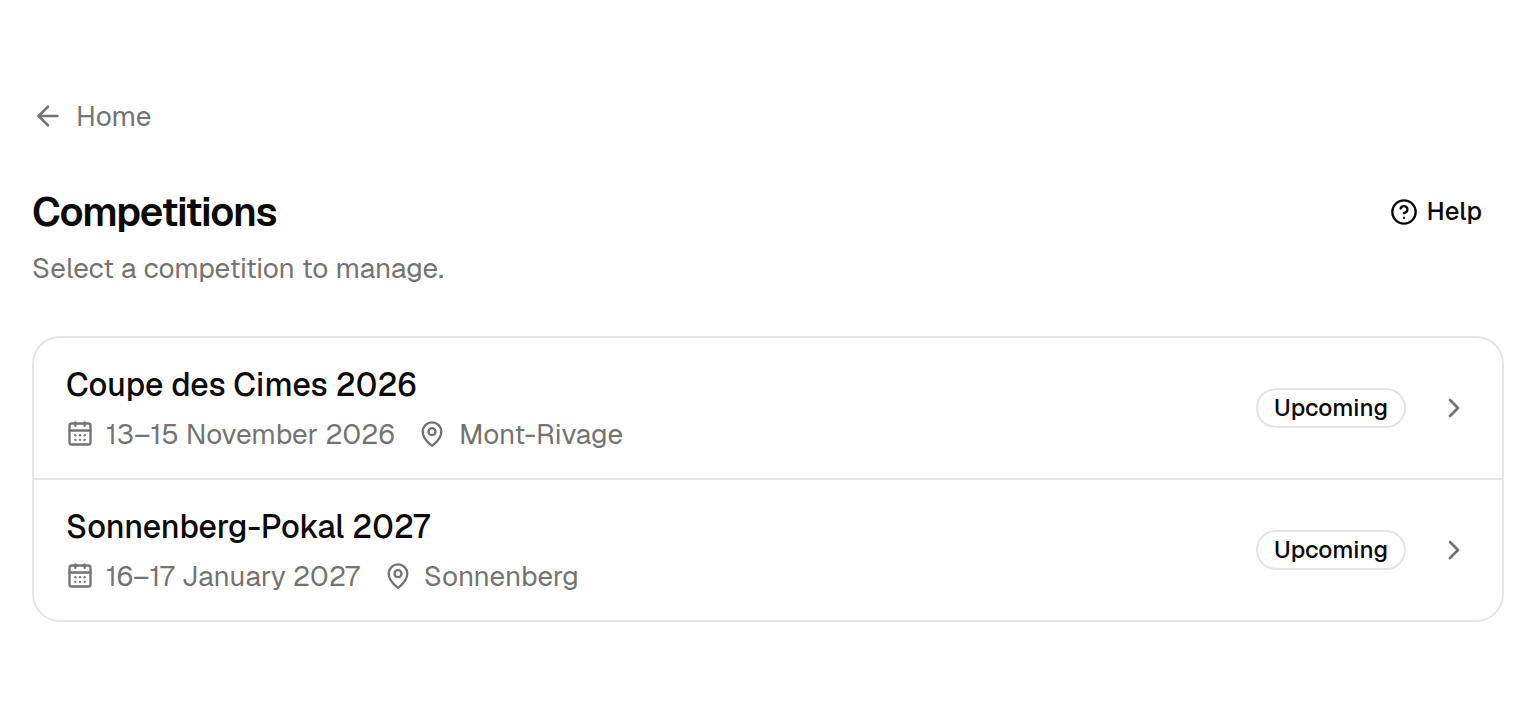
Each row shows the competition's dates, location and status:
| Status | Meaning |
|---|---|
| Upcoming | The competition has not started yet |
| Running | The competition is taking place now |
| Finished | The competition is over |
Select a competition to open it.
The overview
Every competition opens on its Overview.
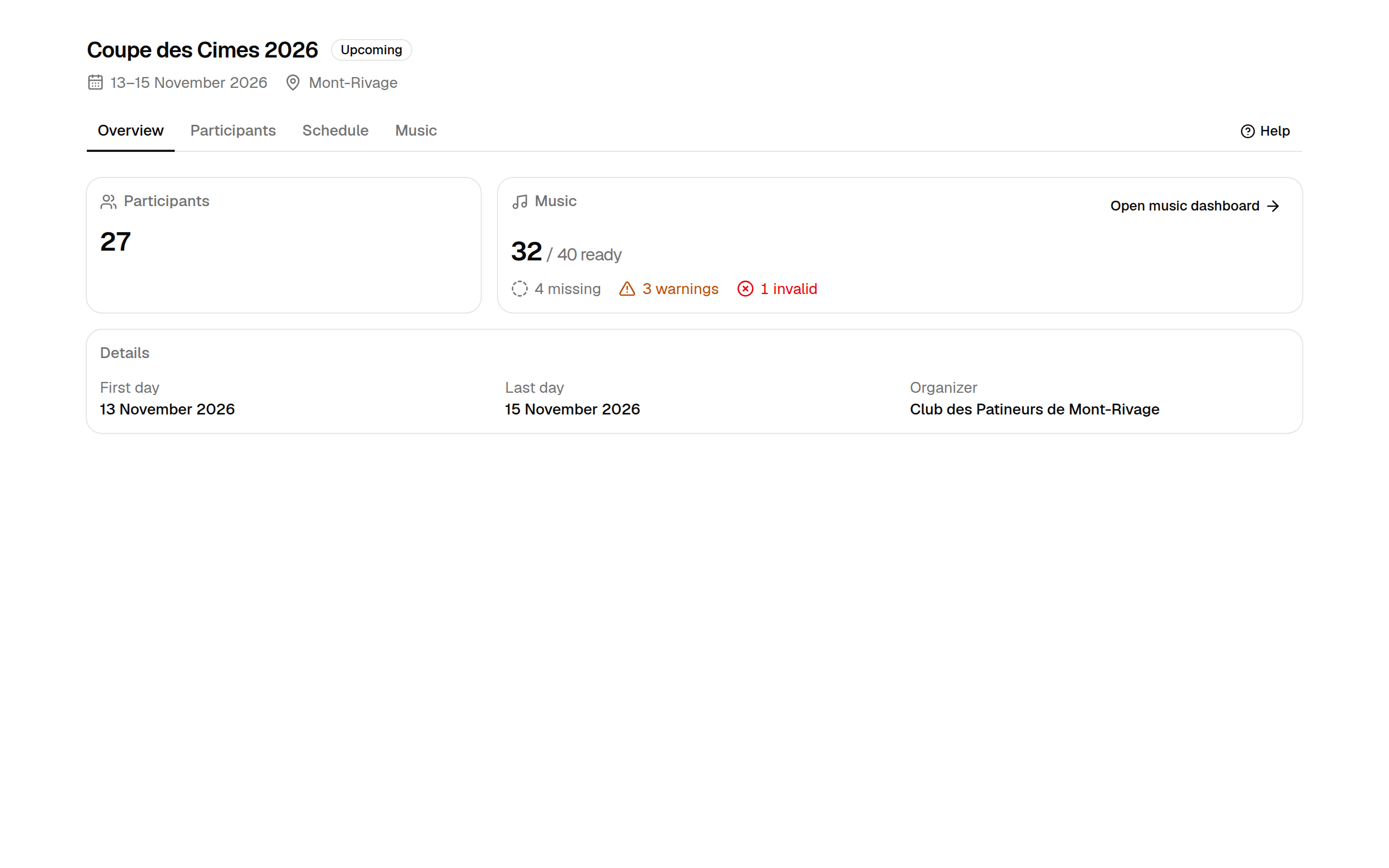
- Participants — the number of registered skaters. A skater entered in two categories counts once; removed entries do not count.
- Music — how many programs are ready out of all programs that need music, followed by what still needs work: missing, warnings and invalid. Select Open music dashboard to act on it.
- Details — first and last day, and the organizing club.
Move between sections
The tabs below the competition name take you to each part of the competition:
| Tab | What you do there | Guide |
|---|---|---|
| Overview | Check the competition's state at a glance | This page |
| Participants | Read the official participant list, remove and restore entries | Manage participants |
| Schedule | Not available yet | — |
| Music | Follow and review every program's music | The music dashboard |
The Help button at the right of the tabs always opens the guide page for the tab you are on.