For participants
Music file requirements
RallyHub checks every file the moment you choose it, before anything is uploaded. This page explains each rule and how to fix a file that does not pass.
At a glance
| Rule | Requirement | If it fails |
|---|---|---|
| Format | MP3, M4A or WAV | You cannot submit the file |
| Playable | The file must contain readable audio | You cannot submit the file |
| Size | Up to 60 MB (the default limit) | You cannot submit the file |
| Duration | Within the program's expected duration ± tolerance | Warning — you can still submit |
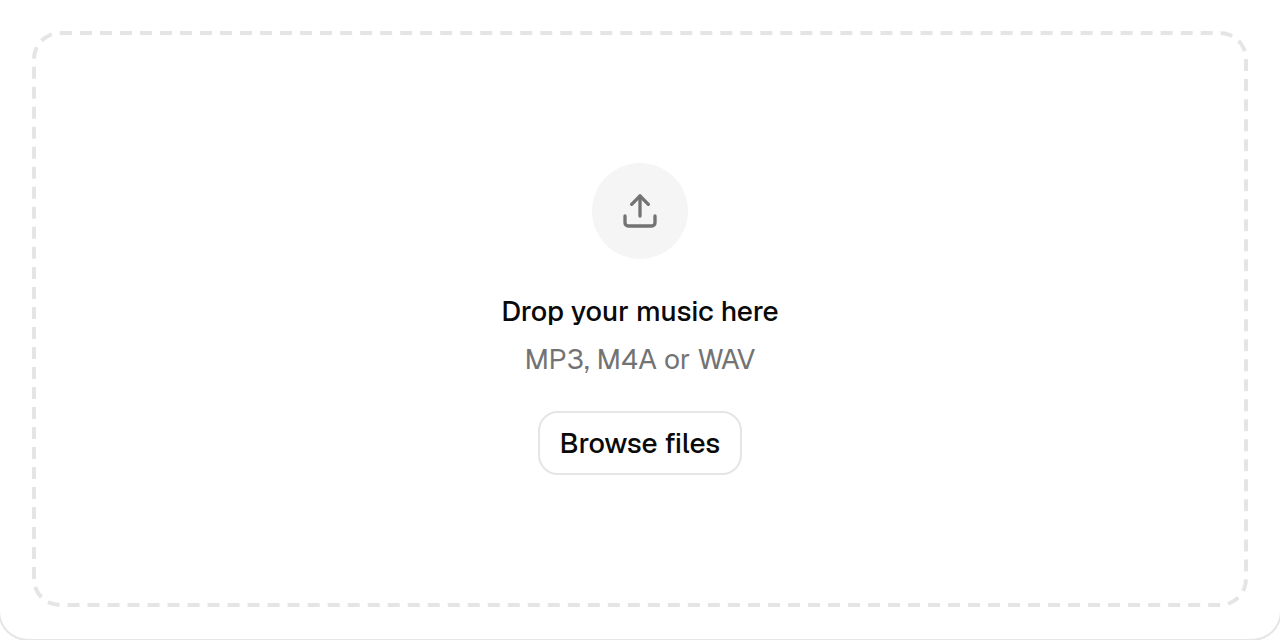
Accepted formats
RallyHub accepts the three formats every competition sound system can play:
- MP3 (
.mp3) — the most common choice. Use a bitrate of 192 kbps or more for good sound in an ice rink. - M4A (
.m4a) — the AAC format used by Apple Music and iTunes. - WAV (
.wav) — uncompressed, best quality, but large files.
Other formats — FLAC, OGG, WMA, AIFF, video files — are refused with This file type is not supported.
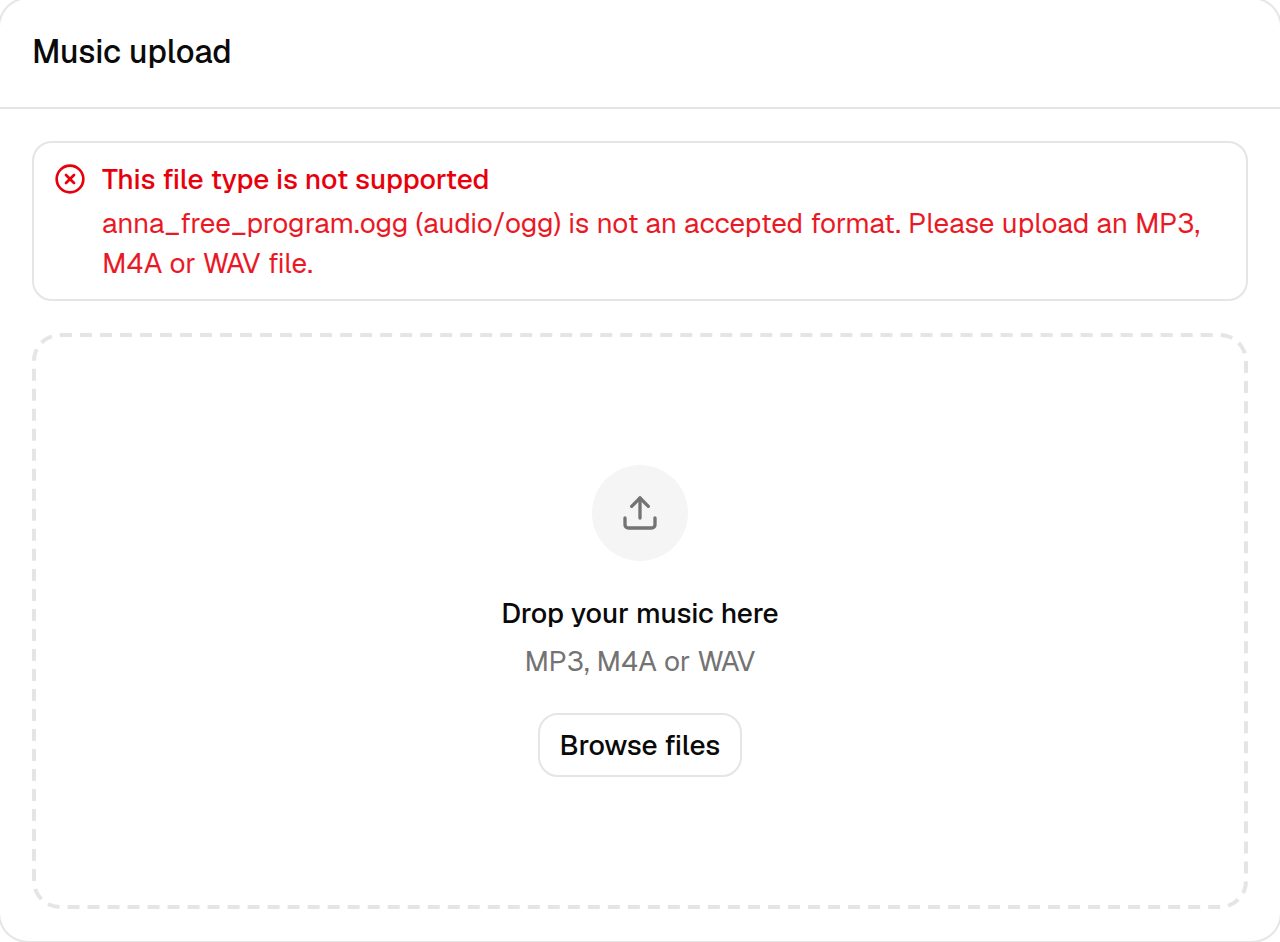
How to fix it: convert the file with your music software. In Apple Music or iTunes use File → Convert → Create MP3 Version; in Audacity use File → Export → Export as MP3.
The file must be playable
Files with the right extension can still be impossible to read — typically
copy-protected purchases (old iTunes .m4p files), downloads that were
interrupted, or a file that was renamed to .mp3 without being converted.
RallyHub then shows This file could not be read.
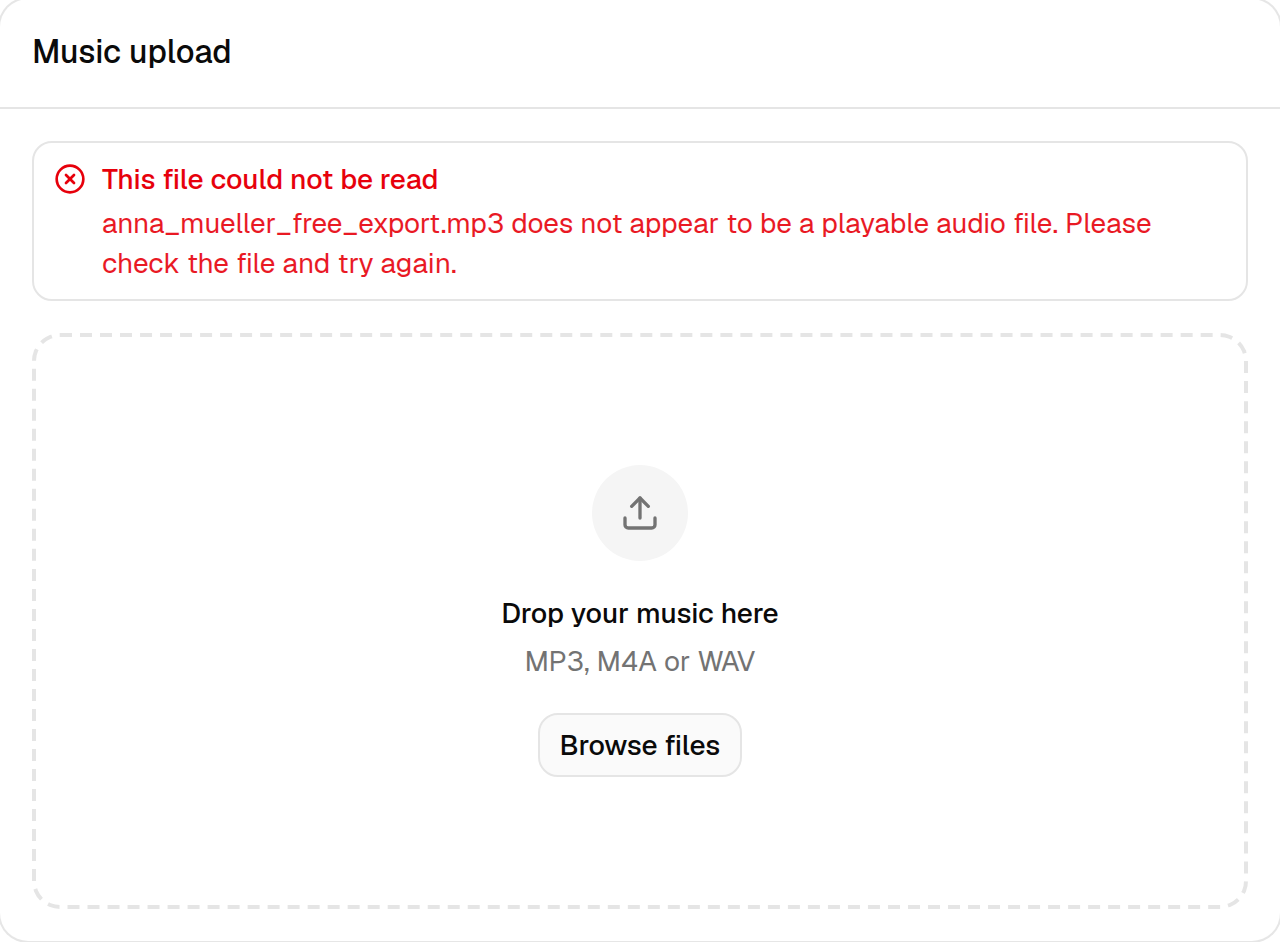
How to fix it: play the file on your computer to check it works, then export it again from your music editing software as MP3, M4A or WAV. For copy-protected music, ask your choreographer or coach for an unprotected copy.
File size
Files up to 60 MB are accepted by default — enough for an uncompressed WAV of the longest free program. If your file is larger, RallyHub says The file is too large. Export it as MP3 instead: a 4-minute MP3 is about 5–10 MB.
Duration
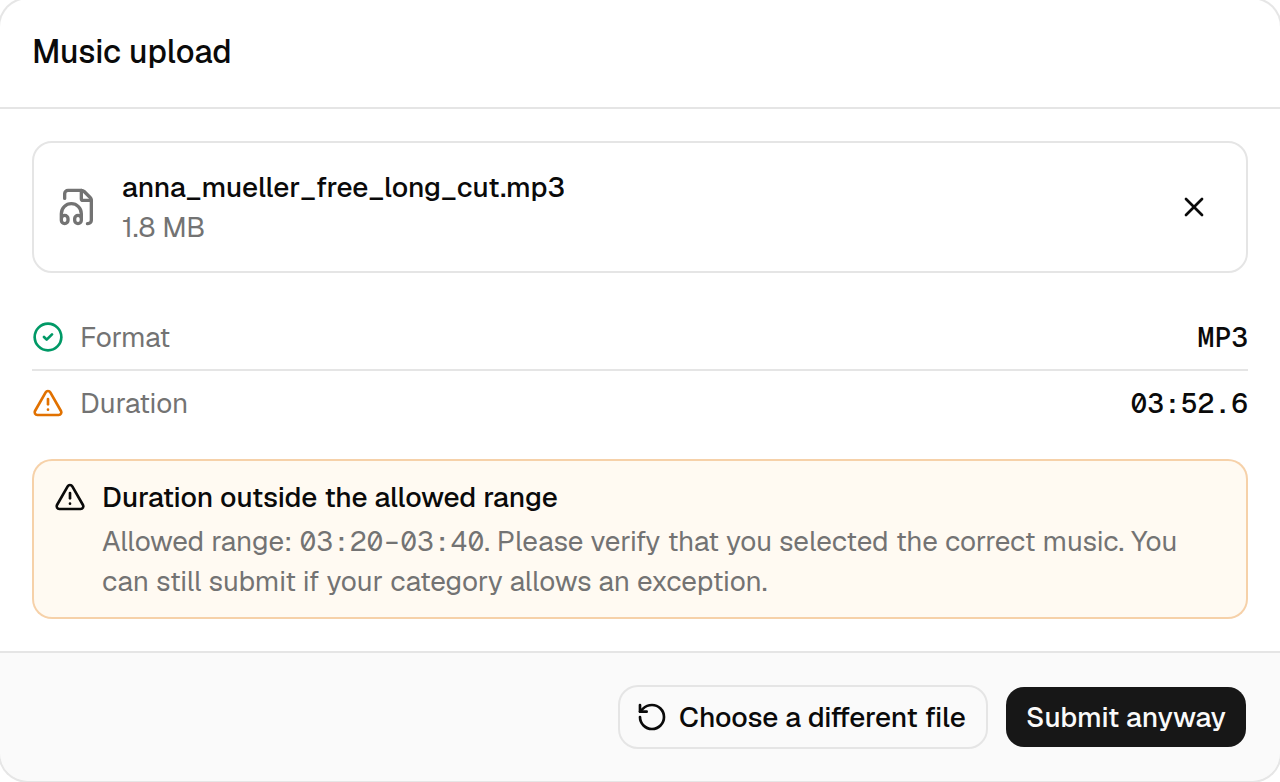
Each program has an expected duration and a tolerance, shown as
e.g. 03:30 ± 00:10. The music is within range when its length is between
the two limits — here 3:20 and 3:40, both included.
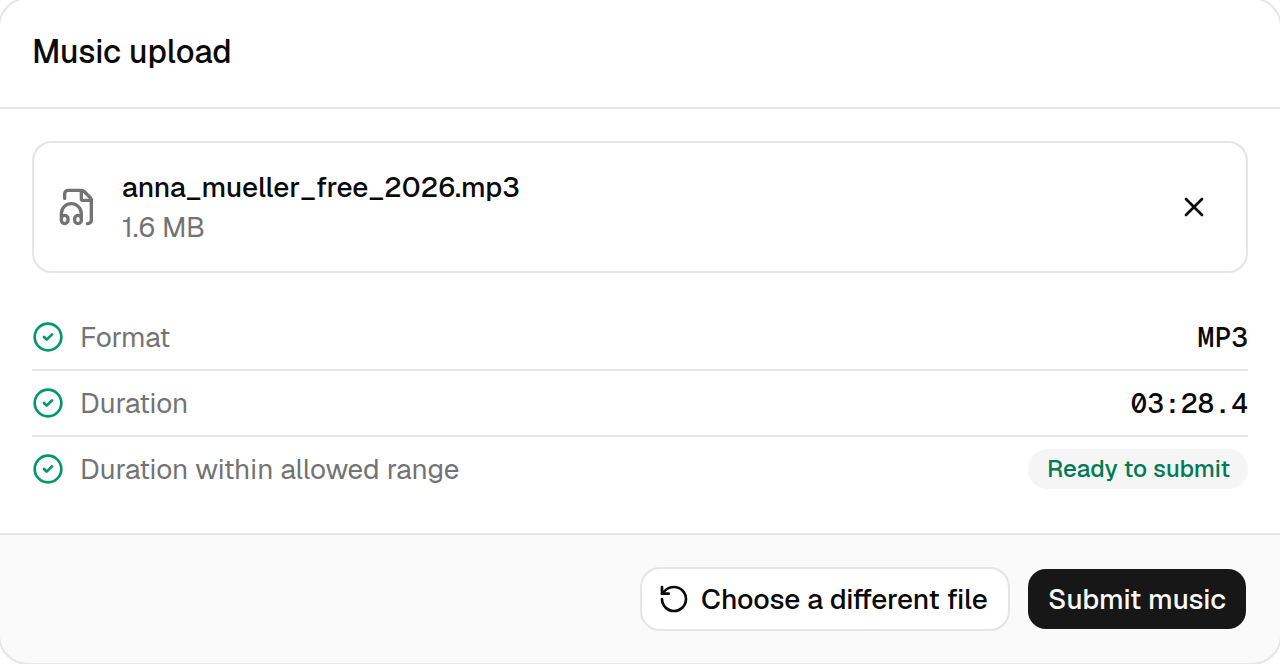
If the music is shorter or longer, RallyHub shows the allowed range and asks you to verify your file.
Tips for a smooth submission
- Name your files clearly, e.g.
firstname_lastname_free_2026.mp3. The organizer sees the file name. - Trim silence at the start: the sound technician starts your music at the beginning of the file.
- Submit early. You can replace the music until the deadline, so there is no advantage in waiting.