Getting started
Accounts and signing in
You only need an account to use the organizer area. Participants submit music without signing in — see Submit your competition music.
Create an account
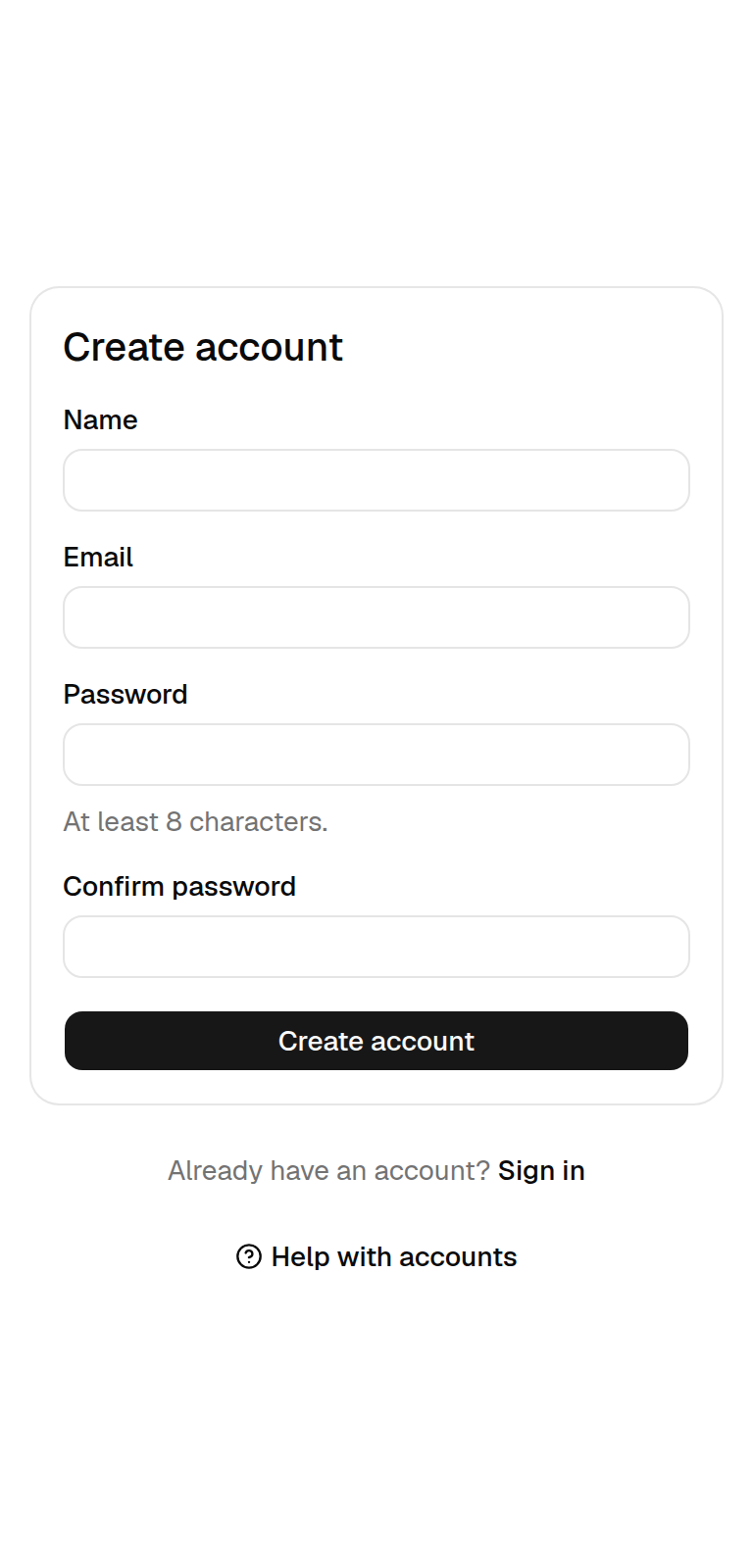
Open the sign-up page
On the home page select Sign in, then Create account below the sign-in card.
Fill in your details
Enter your name, your email address and a password of at least 8 characters, then type the password again to confirm it.
Select Create account
You are signed in straight away and land on your account page.
Sign in
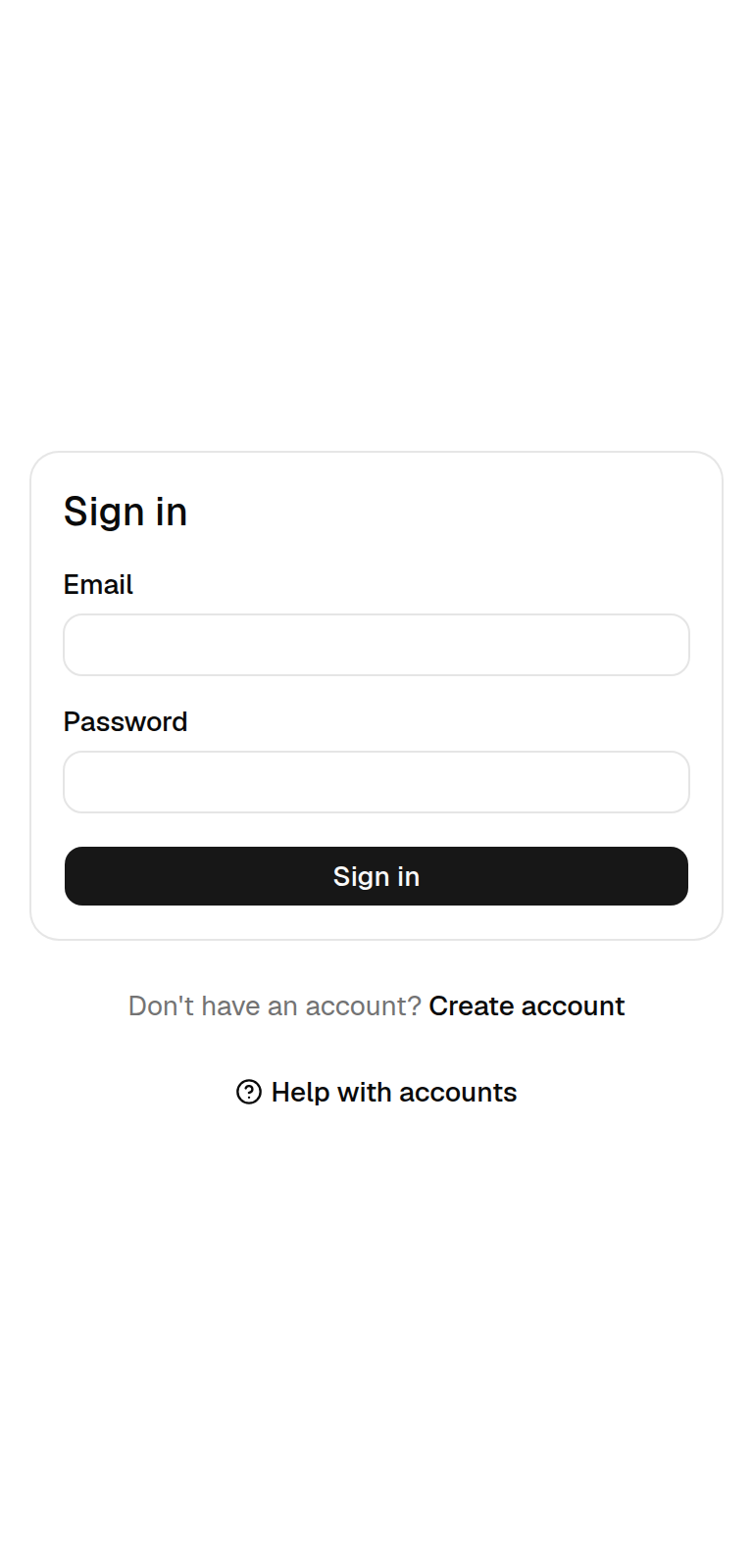
Select Sign in on the home page, enter your email and password and select Sign in. If you opened an organizer page while signed out, RallyHub brings you back to that page once you are signed in.
If you see Invalid email or password., check for typing mistakes and that you are using the email address you registered with.
Your account page
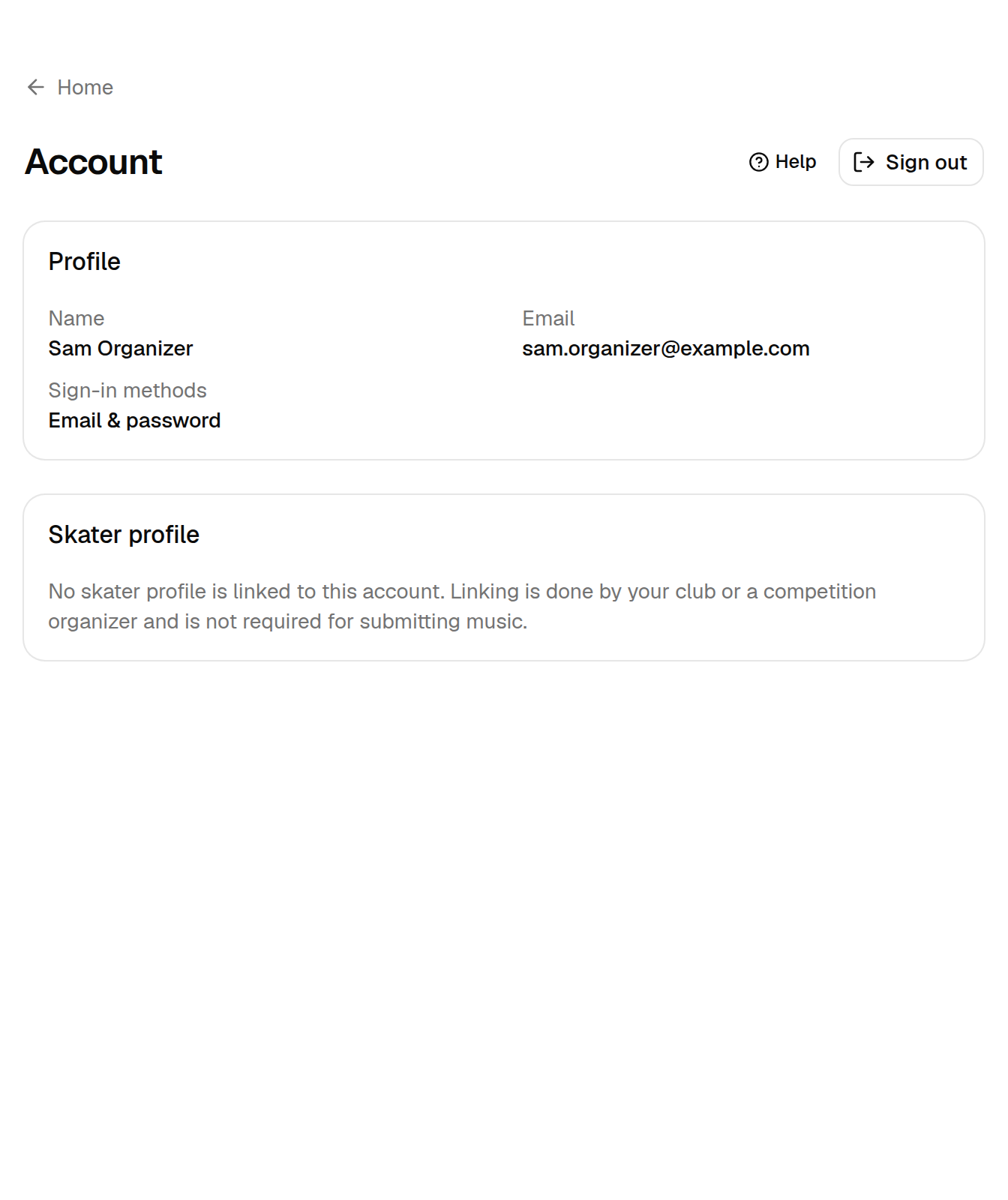
Select Account on the home page to see:
- Profile — your name, email address and the ways you can sign in (Email & password, Google or both).
- Skater profile — whether your account is linked to a skater. Linking is done by your club or a competition organizer; you do not need it to submit music.
Sign out
Select Sign out on your account page. Do this whenever you use a shared computer.